MITHANDIR
B2B wholesale portal for distributors: nobody buys from a spreadsheet
How Olympia Trading, in Miami, and CAM Luminarias swapped spreadsheet price lists for a B2B wholesale portal: 20,000 products and sales ten times faster.
| Code | Description | Stock | Price |
|---|---|---|---|
| PARL-BT-CMP | PARLANTE BT COMPACTO | 120 | 39,50 |
| AUR-INAL-OE | AURIC INALAMB OVER-EAR | 64 | 54,90 |
| CARG-USBC-20 | CARG USB-C 20W C/CABLE | 300 | 12,90 |
| RLJ-SMART-NG | RELOJ SMART NEGRO | 18 | 79,00 |
-
 Bluetooth speaker US$ 39,50 Stock 120
-
 Wireless headphones US$ 54,90 Stock 64
-
 USB-C charger 20 W US$ 12,90 Stock 300
-
 Smartwatch US$ 79,00 Stock 18
- 6 u Bluetooth speaker
- 2 u USB-C charger 20 W
- 01 / 04Before, the seller sent the price list as a spreadsheet full of codes.
- 02 / 04Every row becomes a product with a photo, its price and its stock.
- 03 / 04The store signs in, searches and builds the order on its own.
- 04 / 04The order reaches the seller ready. Nobody typed a thing.
The case on video, explained.
Go to the questions ↓An electronics wholesaler and a lighting store, the same spreadsheet
A B2B wholesale portal for distributors is the channel where a store signs in, searches, sees its price and stock and places the order on its own, without anyone sending it a list. We built it for two companies that sold from a spreadsheet: Olympia Trading, an electronics wholesaler in Miami that sells to retailers across Latin America, and CAM Luminarias, a lighting store in Rosario, Argentina, that sells and makes light fittings. Olympia had its inventory in a four-column report that went out by email every day: code, description, quantity and cost, without a single photo. CAM built its quotes by hand from 25 supplier price lists, each in its own format. Different industries and the same problem: they were selling something buyers couldn’t see.
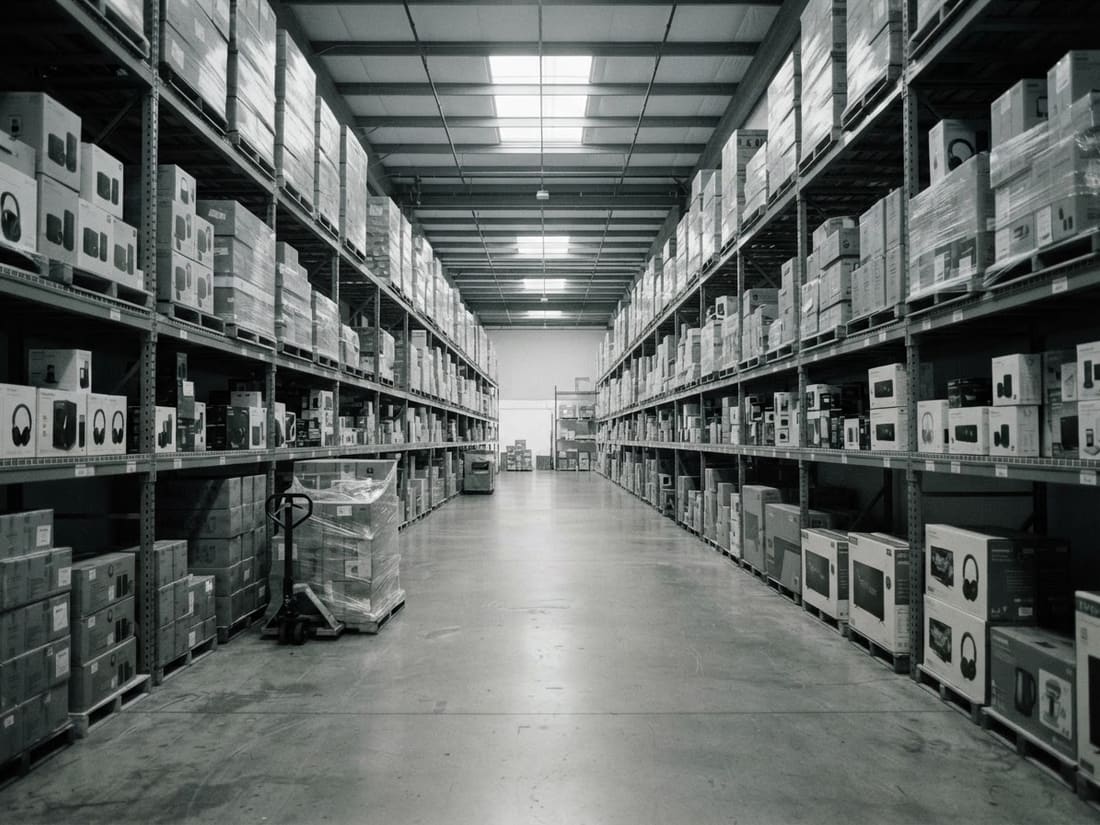 Generated image
 Generated image
- Sells
- Electronics, wholesale
- Light fittings it sells and makes
- Sells to
- Retailers across Latin America
- Customers in Rosario and the region
- What it had
- A 1,918-row report, no photos
- 25 supplier lists, in PDF and Excel
- Who answered prices
- The seller, by hand
- The seller, by hand
- Today
- Bilingual catalog: 1,899 products with photos
- Catalog with ordering: about 20,000 products
Selling from a price list meant answering everything by hand
The price list arrived as a spreadsheet, full of codes and all-caps abbreviations, and nobody buys by reading “WRLS HDPHN OVER-EAR”. So the store asked: was it in stock, how much, could they resend the quote with two more items. The seller answered every question, searching the spreadsheet and putting together another PDF. At the lighting store it was the same, with more paperwork: every supplier sends its price list its own way, usually as a PDF, with its own discount. And when the order finally came in, by message, someone typed it into the system again, line by line.
- XLSPrice list1,918 rows, by email
- Do you have the bluetooth speaker?
How much? - And stock of wireless headphones?
- PDFA supplier’s price listnew
- Send me the quote again
with 2 chargers - ORDER
6 speakers
2 chargers
- 9:00 · Spreadsheet Send the list to every customer, again
- 9:24 · Text Find the code in the spreadsheet and reply
- 9:51 · Text Check stock and reply
- 10:40 · PDF Enter the new prices, with their discount
- 11:05 · Text Redo the quote in Excel and send the PDF
- 11:32 · Pasted list Type the order into the system, line by line
Everything went through the seller, who copied prices instead of selling.
From report to portal, with a person checking every photo
We didn’t change how anyone enters their inventory. The same report, or each supplier’s price list, comes in as it arrives: we pull out products, prices and photos, and derive brand and category. A person checks product by product, and when there is no reliable photo the slot stays empty rather than show the wrong product. With a single command, the catalog refreshes and keeps the corrections. The store signs in, sees its account price and the stock, and the order reaches the seller ready.
- Receives The report or the supplier’s list, as it arrives.
- Sorts Product, price and photo; brand and category derived.
- A person checks Photo by photo. Without a reliable one, it stays empty.
- Publishes With each customer’s price behind the login.
- Gets the order Ready, with its price and stock.
How it’s used: the customer searches, sees their price and builds the quote
At Olympia Trading, the store signs in: it searches, filters by category, brand and stock, sees its price and fills the cart; the quote comes out as a PDF with the company logo, ready to send by email or WhatsApp. At CAM Luminarias, the quote builder organizes the quote by room, with a picture of each light fitting, and delivers it as a PDF or a read-only link. The customer sees the description, but not the brand or the model. And when a supplier sends a new price list, you can see its impact before applying it: one batch alone updated 3,192 prices.
- Smoked-glass pendant 3 × $ 48,000 $ 144,000
- Wall light, warm white 4 × $ 21,500 $ 86,000
- Floor lamp with shade 1 × $ 96,000 $ 96,000
- Adjustable spotlight 6 × $ 9,800 $ 58,800
- LED strip for mirror 2 × $ 15,600 $ 31,200
The customer sees the description, not the brand or model
Two catalogs, the same path
Olympia Trading came first: in June 2026 it had its catalog online, built from an inventory report with no photos, and in October it started refreshing on its own every time the report arrives. CAM Luminarias started in July with the first version of the quote builder and by September was using it every day, with real quotes and new supplier lists. The second started from what was learned in the first, and what repeated in both is the starting point for the next distributor.
- jun 2026 Catalog online, with a photo on every product
- jul 2026 First version of the quote builder
- sep 2026 In daily use, with real quotes
- 14 oct 2026 Refreshes on its own with every report
- Next The starting point for the next distributor
What changed in sales
Customers find the product with the search, see their price and build the order on their own. Sellers stopped sending lists and resending spreadsheets: now they follow up, advise and offer promotions. At CAM Luminarias, every order also comes in already entered in the CRM and the back office.
No price lists by email and no back-and-forth on quotes: customers search, see their price and order on their own.
In CAM Luminarias’ catalog with ordering, connected to the CRM and the back office.
Sending price lists is gone: the seller follows up, advises and offers promotions.
Under the hood: the same report, one command and one row per order
Olympia Trading’s catalog is a React and TypeScript app deployed on Vercel that refreshes with a single command from the same inventory report as always; category fixes, photos and prices carry over on every refresh. CAM Luminarias’ quote builder runs on Next.js with Supabase and is connected to the CRM and the back office. What used to be a spreadsheet, a chat and someone copying is now a row: every order with its status, its price and its history. We didn’t change how anyone works; we changed what comes out of their work.
- A spreadsheet
- A chat price and stock?
- Someone copying PARL-BT-CMP x6
- Status
- Received
- Price
- Their account’s
- Seller
- Assigned
- History
- 9:02 signed in
- 9:06 added 2 products
- 9:07 sent the order
Answer and we’ll tell you if this works for your company.
We review it quickly. If it’s a fit, we set up a meeting.
5 questions, 1 minute. We'll send you a diagnosis of how you sell your catalogue today.
Your case looks a lot like this one
Pick a time with Alfonso. In 30 minutes we'll look at your catalogue and tell you where to start.

Looking for open times…
Alfonso already has your answers and will write to set a time.
We couldn't save your answers. Send them over WhatsApp and we'll reply all the same:
Send on WhatsAppThanks, we have what we need
We'll write within 24 business hours with a concrete idea for your catalogue. You can still book a call if you prefer.
We couldn't save your answers. Send them over WhatsApp and we'll reply all the same:
Send on WhatsAppThanks for answering
Here's the full case, in case it helps later on.
We couldn't save your answers. Send them over WhatsApp and we'll reply all the same:
Send on WhatsApp6 questions, 1 minute. At the end we'll tell you how many hours a week go into entering orders by hand, and how long each order takes to get entered.
Those hours can be won back
Pick a time with Alfonso. Bring a price list or a sample order and we'll show you how it would come in on its own.
Looking for open times…
Alfonso already has your answers and will write to set a time.
We couldn't save your answers. Send them over WhatsApp and we'll reply all the same:
Send on WhatsAppThanks, we have your numbers
We'll write within 24 business hours with a concrete idea to cut that time. You can still book a call if you prefer.
We couldn't save your answers. Send them over WhatsApp and we'll reply all the same:
Send on WhatsAppThanks for answering
Here's the full case, in case it helps later on.
We couldn't save your answers. Send them over WhatsApp and we'll reply all the same:
Send on WhatsAppRather talk now? Message us on WhatsApp